









Table of contents
Product details
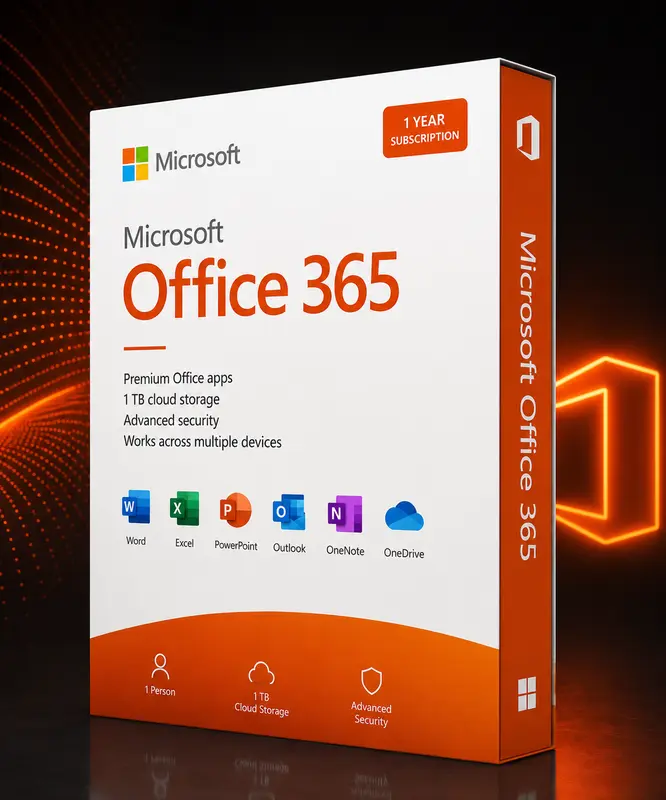
Microsoft 365 Family for up to 6 people: always up-to-date Office apps, 1 TB OneDrive cloud per person and use on PC, Mac, tablet and smartphone.
- 12-month term for up to 6 people
- 1 TB OneDrive storage per person
- Always the latest Office versions
- PC, Mac, tablet & smartphone
Activation & delivery
After payment we send the product key for Microsoft 365 Family – 12 months by e-mail – including step-by-step instructions. Activation happens directly with the vendor.
How do I receive my licence?
After purchase we send the product key for Microsoft 365 Family – 12 months together with step-by-step instructions by e-mail.
Is activation complicated?
No. Activation happens directly with the vendor and only takes a few minutes. Instructions are included with every delivery.
What if the key does not work?
Just contact our support team – we will review the case and provide a quick solution.
Table of contents
How it works
- Add the product to your cart and complete the checkout.
- Our team reviews the order and sends your product key by e-mail – usually within a few hours.
- Follow the included instructions and activate the licence directly with the vendor.
Our support team is happy to help if you have any questions.